Live
Store
Sell through Weedyy.com and bring the same Store to your own approved website.
Explore StoreIntegrations · Live
Connect your WordPress site and WooCommerce store to My Weedyy, and set up supported delivery services with Weedyy support.
Reduce repeat data entry and keep menus, Store, Orders, and delivery information easier to manage.
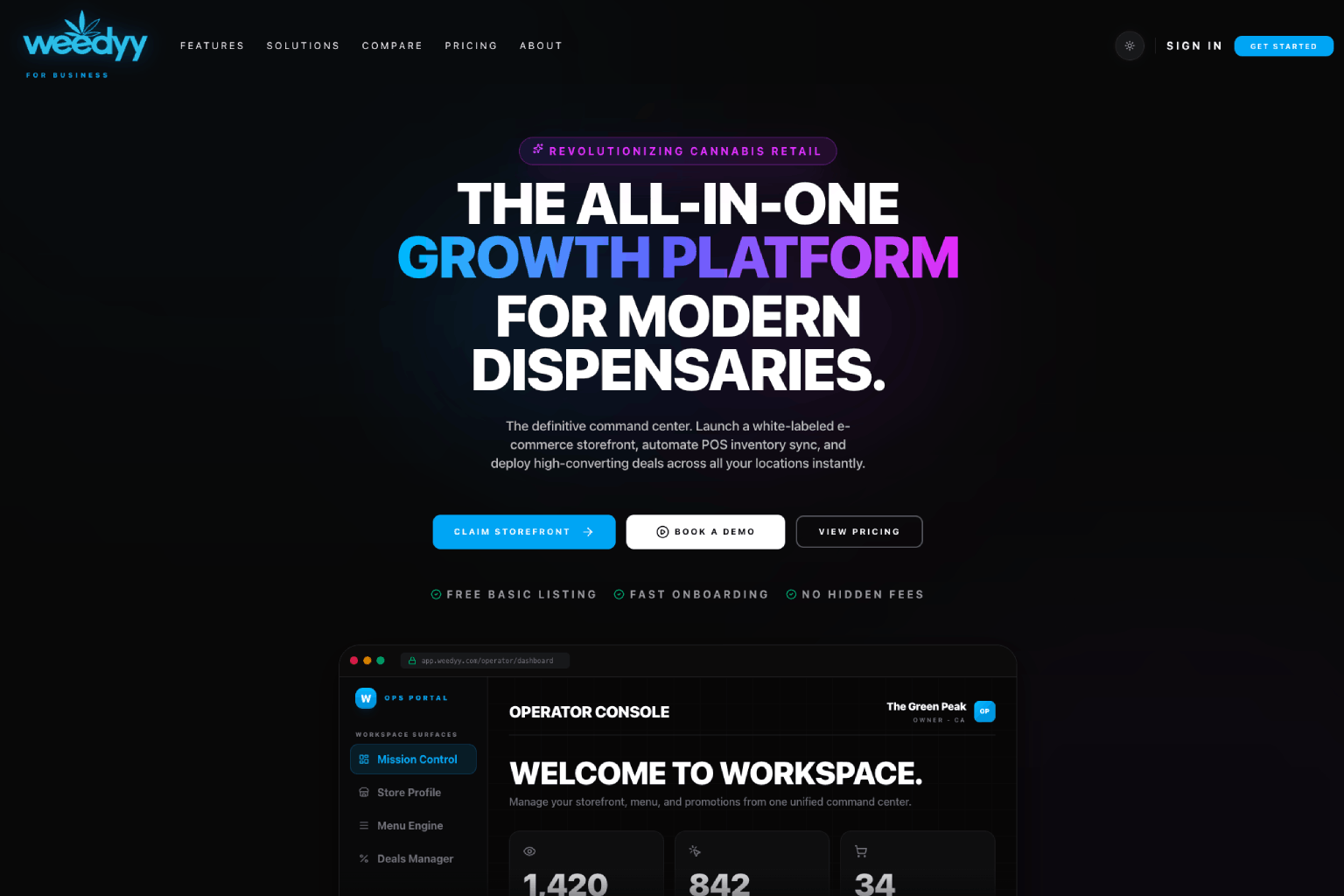
Integrations help your menu, Store, Orders, delivery tools, and reports use the same business information.
Connect a WooCommerce store to sync products and orders with Weedyy and cut down repeated updates.
Use WordPress and WooCommerce connections to bring Weedyy Store to approved business websites.
Weedyy support can set up supported delivery services such as Onfleet, and you can review connection status in My Weedyy.
Each connection keeps setup, status, and help close to the feature it supports.
Select the website, online store, or delivery service used by the business.
Follow the setup steps, or work with Weedyy support where a connection needs it, and confirm it is ready before using it.
Use My Weedyy to confirm the connection is working and resolve issues.
Connected features
Keep building with Weedyy tools that work naturally with this feature.
Sell through Weedyy.com and bring the same Store to your own approved website.
Explore StoreManage pickup and delivery orders, customer updates, order issues, and support from one shared view.
Explore OrdersSee how customers find, explore, and choose the business—and what to improve next.
Explore AnalyticsFAQ
Clear answers for dispensaries, delivery teams, and brands.
Weedyy supports WordPress and WooCommerce connections and Weedyy Store on approved business websites. Onfleet delivery setup is available with Weedyy support. Other POS connections are not self-serve today; contact Weedyy to discuss your system.
Yes. WordPress and WooCommerce connections can bring Weedyy Store to approved business websites.
Book a focused product demo, or claim your dispensary to start connecting the business to Weedyy.