Live
Store
Sell through Weedyy.com and bring the same Store to your own approved website.
Explore StoreMenus · Live
Organize products, add helpful details, and keep the menu shoppers see clear, current, and easy to use.
Give customers a better way to browse categories, compare products, discover brands, and move into your Store.
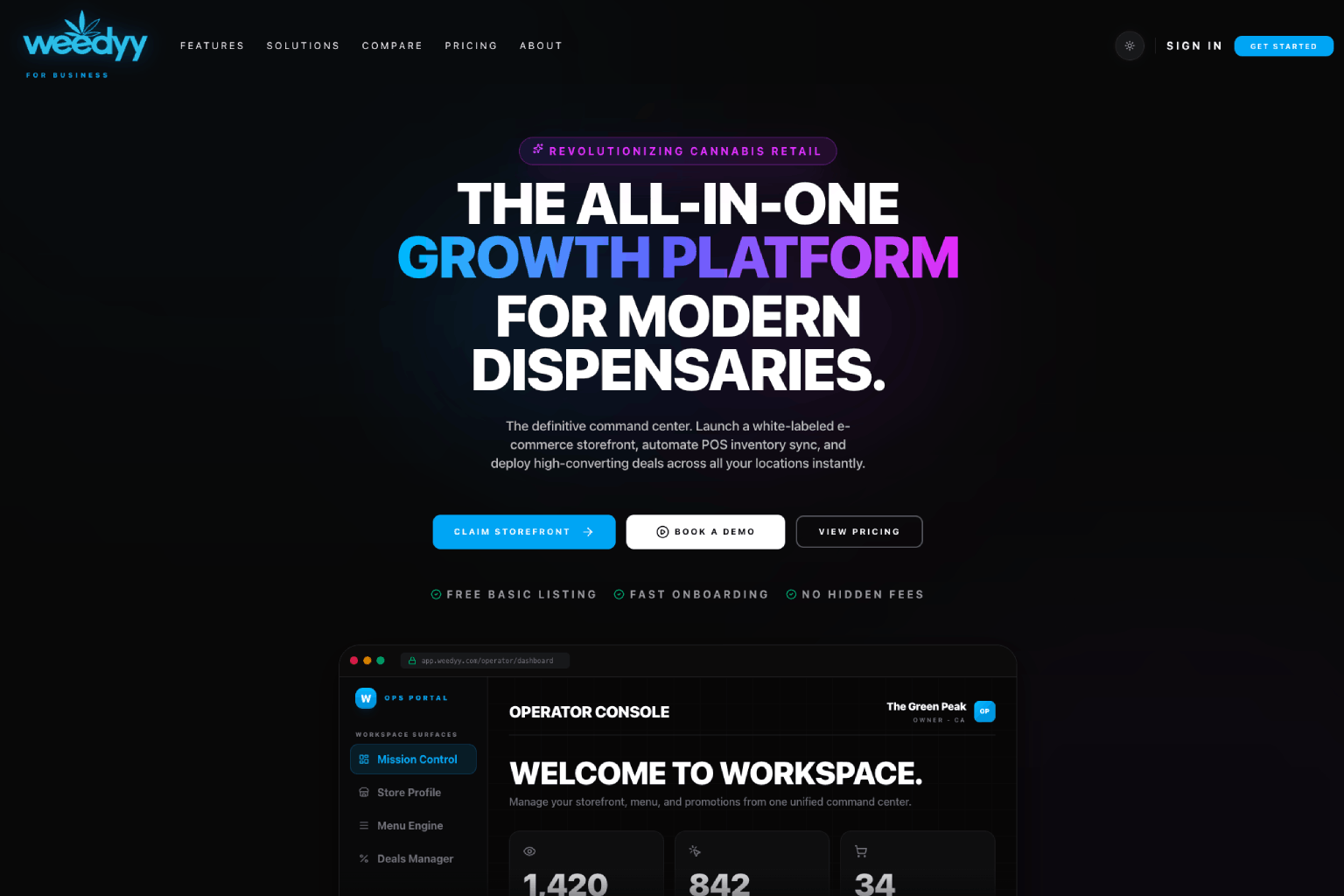
Use clear categories, helpful details, photos, availability, and featured products to make shopping easier.
Organize products around how customers shop
Add the details that make comparison easier
Feature the products and brands that matter now
A consistent menu makes updates easier for your team and decisions easier for customers.
Create or connect products with categories, brands, variants, pricing, imagery, and useful product details.
Feature the right products, connect promotions, and keep the customer-facing menu easy to scan.
Keep the same products and details across Weedyy.com, Store, your website, and ordering.
Connected features
Keep building with Weedyy tools that work naturally with this feature.
Sell through Weedyy.com and bring the same Store to your own approved website.
Explore StoreManage pickup and delivery orders, customer updates, order issues, and support from one shared view.
Explore OrdersPublish deals and events that give customers a reason to visit or order now.
Explore PromotionsFAQ
Clear answers for dispensaries, delivery teams, and brands.
Yes. Weedyy Menus connect to Store and Orders so customers can browse products and place pickup or delivery orders where permitted.
Weedyy connects with WordPress and WooCommerce today, and supported delivery services can be set up with Weedyy support. See Integrations for current options.
Book a focused product demo, or claim your dispensary to start connecting the business to Weedyy.